
Tools for the luminaire lifecycle
Tuner4TRONIC
From the first configuration to the next service visit.
Turn a lighting requirement into a driver configuration, transfer it into production and keep that knowledge available in the field. Tuner4TRONIC brings the tools for each stage together, from browser-based configuration to mobile diagnostics and replacement.
How it works
Problem
A luminaire’s configuration must remain available throughout its lifecycle – from development and production to installation and maintenance.
Challenges
Each stage involves different tools and tasks. Teams need to transfer settings reliably, work with supported drivers and interfaces, and retain configuration data for diagnostics and replacement.
Solution
Tuner4TRONIC connects these stages through production files and driver data. Configure settings in the browser, transfer them into production, and use the field tools for adjustments, diagnostics and replacement.

Key takeaways
- Define output current, operating modes and dimming profiles in the Configurator.
- Program individual luminaires or integrate programming into automated production.
- Read diagnostics, fine-tune settings and copy driver data during field service.

Tuner4TRONIC Lifecycle
Configure the light
Create production files with Tuner4TRONIC Configurator. Set output current, operating mode and dimming profiles in a browser.
For password-protected drivers, request a private workspace from T4T support before handling confidential configurations.
Open ConfiguratorBring settings into production
Tuner4TRONIC Production transfers configuration files to drivers using supported DALI or NFC interfaces. SimpleCurrent supports current programming via NFC without a production file.
Get the production toolsFine-tune on site
Use the Field App to read and program supported drivers, upload production files, adjust profiles and inspect diagnostic data where the luminaire is installed.
Find the Field AppKeep the configuration working
Copy driver data to support replacement. For revised settings, read the driver with Production, edit the data in Configurator and upload the updated configuration. DALI short addresses allow individual access within a network.
Explore the manualsSoftware for every stage

Tuner4TRONIC Configurator
Create driver settings and production files in Chrome or Firefox.


Tuner4TRONIC Production 4
Read and program LED drivers. Includes SimpleCurrent for current setting via NFC.

Tuner4TRONIC Field App
Read diagnostics, adjust settings and transfer driver configurations using a mobile device.

Production 4 Lite
Read drivers and program production files without installation. Requires .NET Framework 4.7.2; FEIG drivers may also be needed.


Offline databases
Update local programming data when working without an internet connection.

REST API & local hosting
Connect configuration workflows to ERP systems, testing equipment or your own interface. Local hosting requires a license agreement.

CMD / DLL
Use Production functions in automated workflows. Executables, libraries and manuals are included in the Production installation.

DALI Wizard
Manage DALI networks with the dedicated Windows application.
Programming interfaces
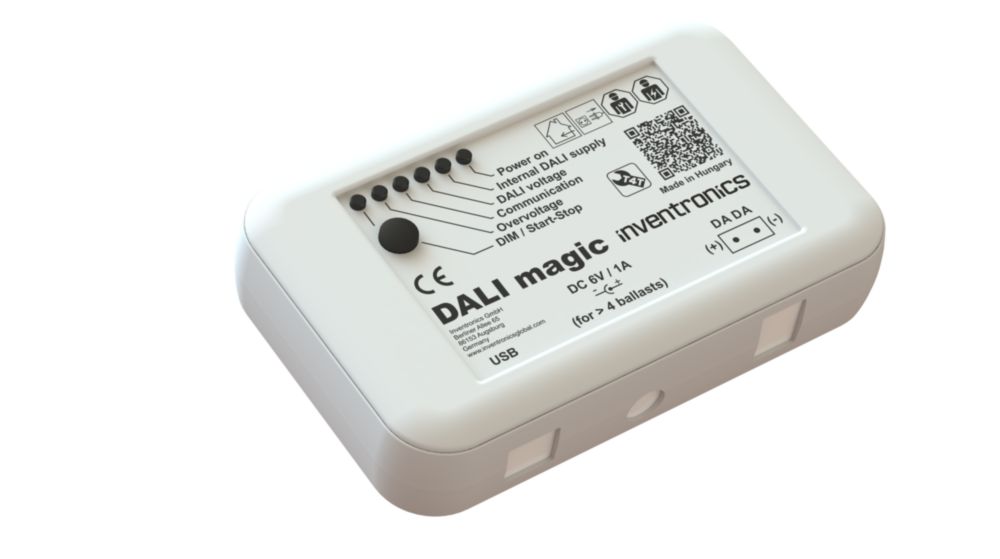
DALI magic

PRH101-USB

CPR30+
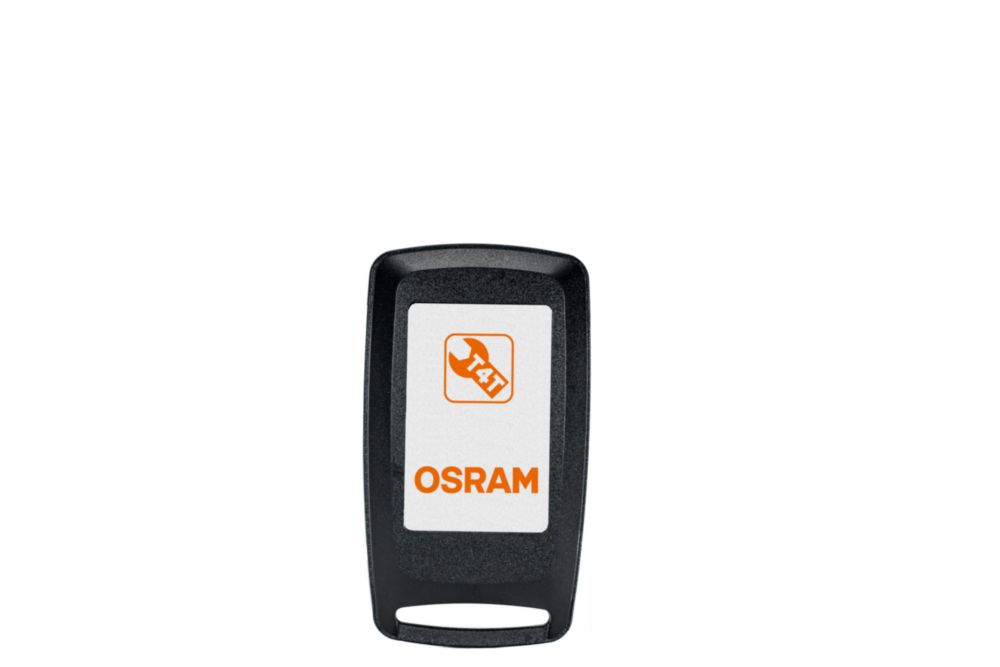
NFC Scanner

PRG-MUL2
FEIG ECCO Smart

Feig ECCO Smart 2D

BLE USB-DONGLE

CHARGING STATION FOR ECCO SMART & ECCO+ DEVICES

NFC METALTAG ANTENNA
Box programming equipment

Feig Reader LR1002

USB cable

Feig ANT310/310

ID CAB.NET.24V-B-EU

ID CAB.NET.24V-B-GB
